Brand resources
Everything to show Wajub on your website.
Official payment badges, logos and colours, in light, dark, brand colour or transparent versions. Download one file, a pack or the whole kit.
ZIP · 3.4 MB · SVG and PNG, in English and French
Packs
Payment badges
Show your customers that their payments go through Wajub, with the methods they already know. In light, dark, brand or transparent versions.
Wajub logos
The full logo and the W symbol, for light backgrounds, dark backgrounds or on the brand cyan.
Payment methods and providers
The original logos, with no background or tile: place them as you wish on your checkout page.






Payment badges
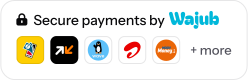
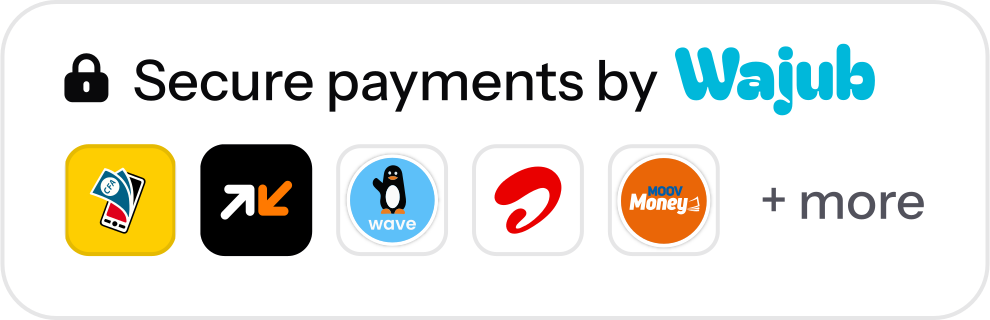
Place them near the payment button or in the footer of your website. Each badge comes in English and French, in four versions, as SVG and as a four times larger PNG.
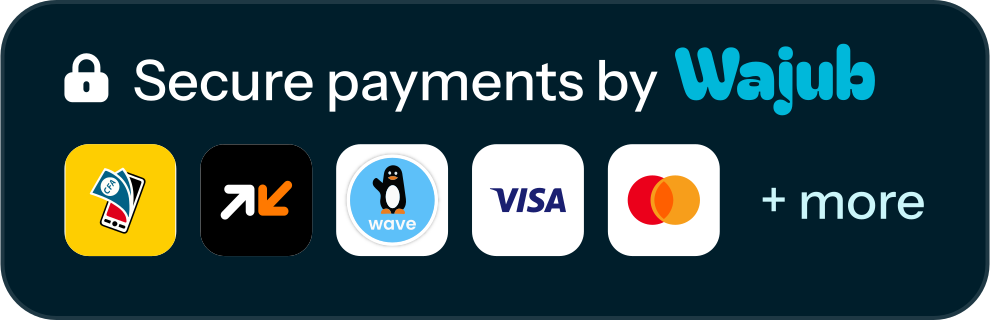
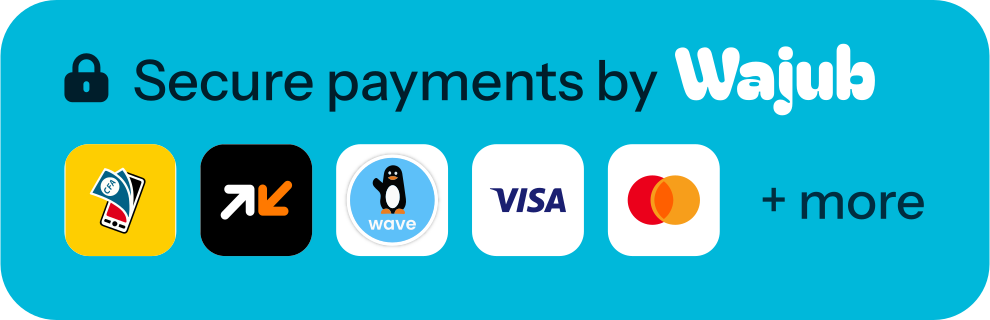
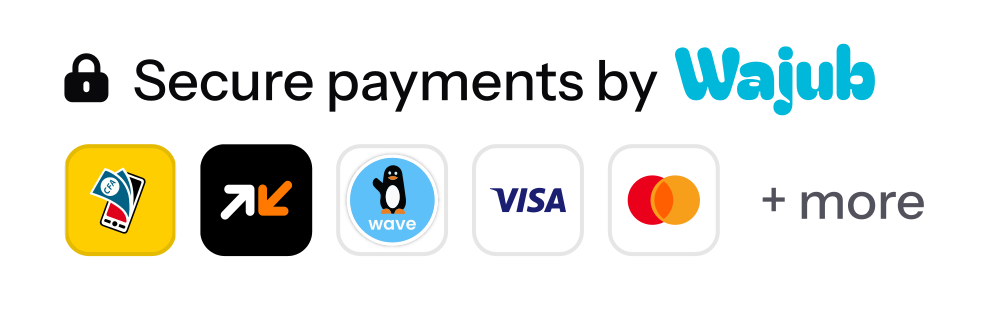
Secure payments, mobile money
247 × 80 px
For a website that mostly takes mobile money: MTN MoMo, Orange Money, Wave, Airtel Money and Moov Money.
Secure payments, mobile money and cards
247 × 80 px
For a website that also accepts Visa and Mastercard.
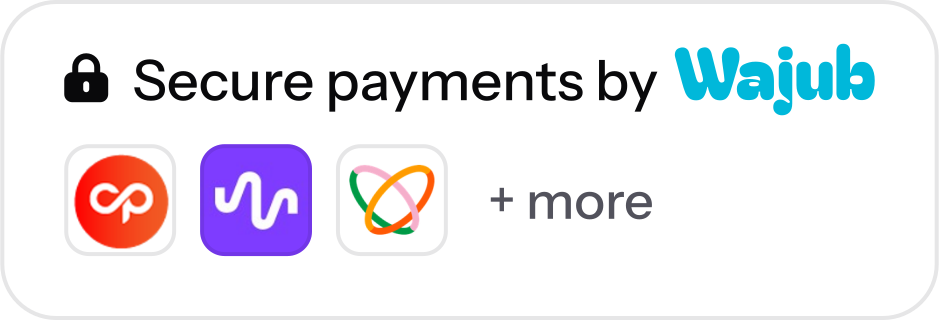
Secure payments, providers
235 × 80 px
To show the providers connected to your Wajub account: CinetPay, pawaPay and Flutterwave.
Powered by Wajub
221 × 56 px
The large version, for a checkout page or the bottom of a page.





Wajub logos
The full logo to present Wajub, the W symbol when the name is already visible or space is short. Light and Dark have no background, Brand sits on the cyan.


Payment methods and providers
The logos as their owners draw them, with no background or tile: place them on a tile, a card or a line, as on your checkout page.
Original SVG, PNG 1,024 px wide
Payment methods
MTN MoMo
Orange Money
Wave
Airtel Money
Moov Money
M-Pesa
Visa
Mastercard








































These logos remain the property of their owners. Use them to show the payment methods you accept.
Colours
Cyan signs the brand, petrol carries the actions, night makes the dark backgrounds and amber adds a touch of warmth.
Typography
Three free families, available on Google Fonts.
Instrument Sans
Headings, text and interfaces, and the text of the badges.
See Instrument Sans on Google FontsMobile money and cards, on a single checkout page.
Everything to show Wajub on your website.
{ "amount": 12500, "currency": "XAF" }
Usage rules
A few guidelines to keep Wajub recognisable, on a website, in an app or in print.
Do
Leave some space
Around the logo, at least the height of its lowercase letters. Minimum width: 80 px for the full logo, 24 px for the symbol.
Do
Pick the right version
Light on a light background, Dark on a dark background, Brand when the cyan should stand out.
Avoid
Do not change the colours
The logo is cyan, white, or white on the cyan. No other shade and no gradient.
Avoid
Do not distort the logo
Keep its proportions, without stretching, squashing or slanting it.
Avoid
Do not add effects
No shadow, outline or glow around the logo or the badges.
Avoid
Avoid low-contrast backgrounds
A light cyan, a busy photo or a pattern make the logo hard to read.
Add a badge to your website
Pick the badge and its version, copy the code, then place it under the payment button. Host the file with your website; the link to wajub.com is optional.
checkout.html
<a href="https://wajub.com" target="_blank" rel="noopener">
  <img
    src="/images/wajub-badge-secure-mobile-money-light.svg"
    alt="Secure payments by Wajub"
    width="247" height="80">
</a>Preview, Example checkout page with the badge
Download this badgeKeep the file's proportions: change the width and the height follows.
A special use?
For a joint campaign, an article, press material or a question about the brand, write to our team.